



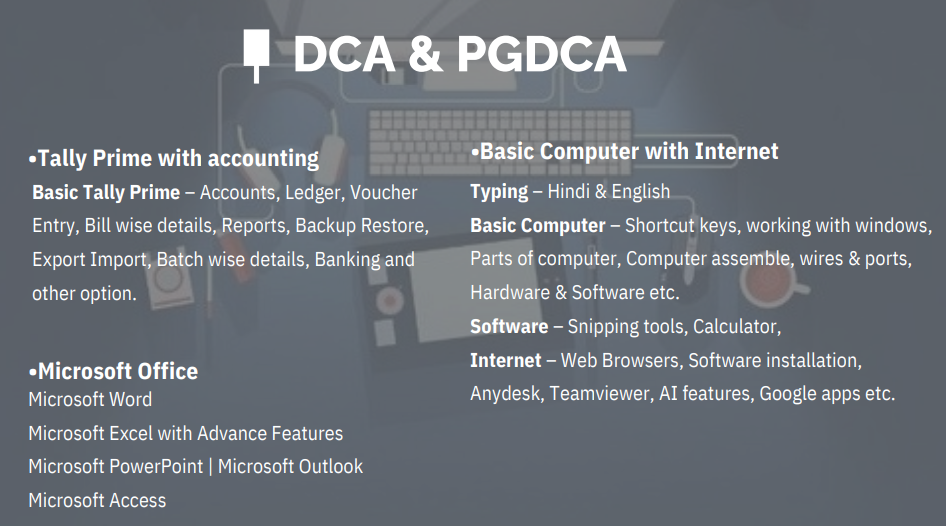

DCA & PGDCA

Home Skill Course DCA & PGDCA

Digital Marketing Tally Expert PGDCA DCA + Certificate Basic Computer with Tally MS Office Graphics Design Search Engine Optimization

Vaibhav Solanki

Chief Instructor

Category :

DCA & PGDCA

20 Reviews:

Major Point of DCA & PGDCA

  • Computer Fundamentals
  • Windows Operating System
  • MS Word
  • MS Excel
  • MS PowerPoint
  • Internet & Email
  • Advanced Excel Basics
  • TallyPrime & GST Fundamentals
  • Database Management (MS Access)
  • Programming Fundamentals
  • C Programming Basics
  • HTML & CSS Basics
  • Computer Networking Basics
  • Cyber Security & Internet Safety
  • Digital Office Skills
  • Project Work & Practical Assignments
  • Resume Building
  • Interview Preparation
  • Course Completion Certification
  • Placement Assistance

COURSE DESCRIPTION

The Diploma in Computer Applications (DCA) is a foundational course that provides students with essential computer knowledge and software skills. It is designed for beginners who wish to gain a strong understanding of computer operations, MS Office tools, internet applications, and basic programming. Ideal for school/college students, office workers, and job seekers, the DCA course prepares learners for a variety of administrative and digital roles.

Throughout the course, students receive hands-on training in using Windows OS, Microsoft Office (Word, Excel, PowerPoint), internet browsing, file management, and basic computer troubleshooting. This course lays the groundwork for advanced IT studies and is often the first step toward a professional career in computer applications.

CERTIFICATION

Upon successful completion, students will be awarded a Diploma in Computer Applications (DCA) from Add Skill Academy. This certificate validates your fundamental computer knowledge and makes you eligible for various job roles such as Data Entry Operator, Office Assistant, and Computer Operator in both private and government sectors.

LEARNING OUTCOMES

✅ Understand computer hardware, software, and operating systems
✅ Work confidently with MS Office: Word, Excel, and PowerPoint
✅ Browse the internet, manage emails, and ensure online safety
✅ Perform basic file and folder operations
✅ Learn basic typing and shortcut commands
✅ Handle data entry and document preparation tasks
✅ Gain knowledge of fundamental programming or database concepts (in some modules)

Reviews